Everything you hear, read, or say becomes something you can act on
^ctrl is a macOS productivity app that automatically captures and structures tasks, decisions, and follow-ups from your meetings, emails, and messages into an actionable work list.
Open the app and know what to do

What Ctrl does
The basics in plain language.
What is Ctrl?
Ctrl is a macOS productivity app that turns meetings, emails, and messages into structured tasks, summaries, reminders, and reusable work context.
How does Ctrl turn meetings into tasks?
When a user starts a capture flow, Ctrl listens for decisions, owners, follow-ups, and next steps, then turns that context into editable tasks and summaries.
What integrations does Ctrl support?
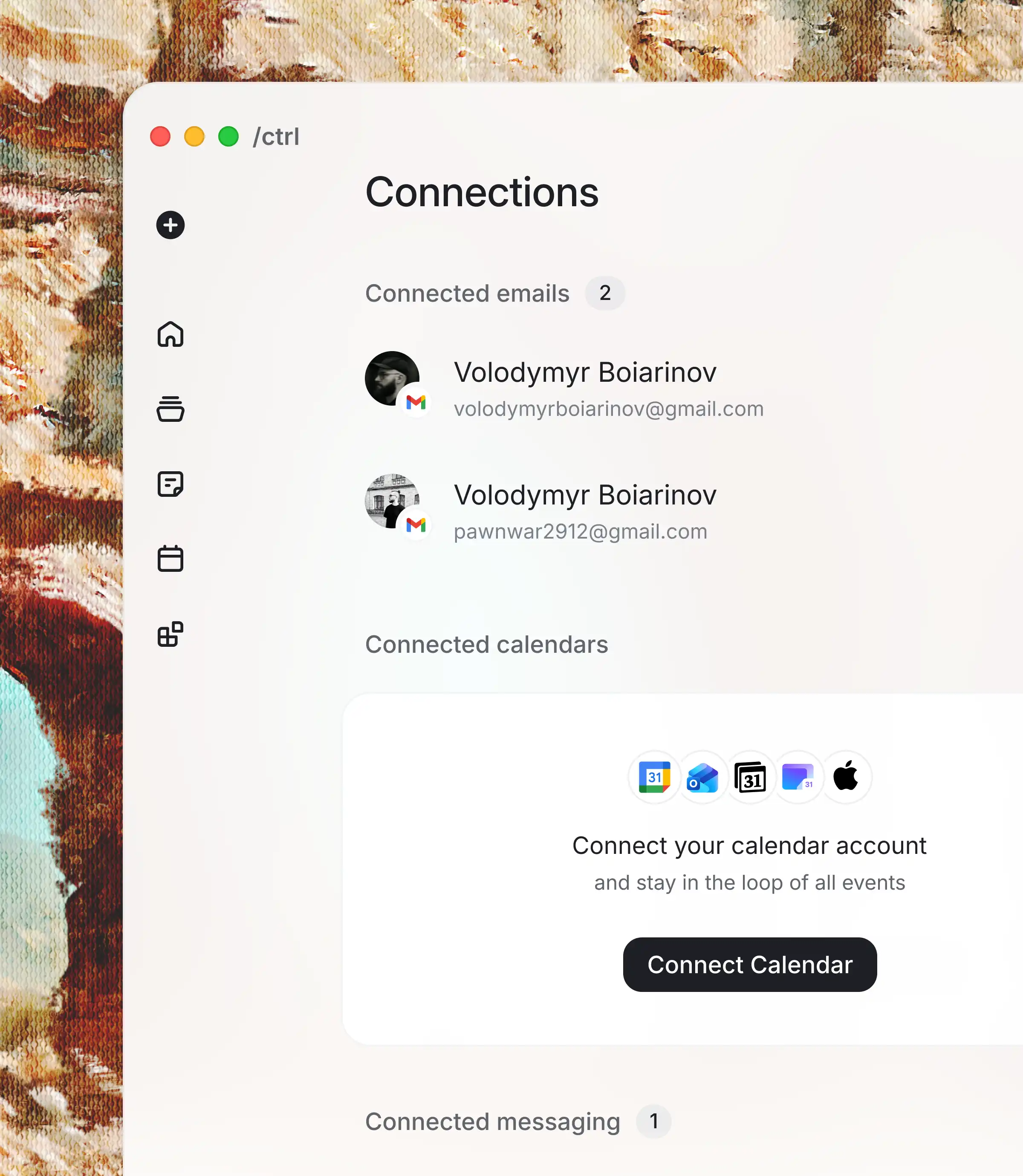
Ctrl is built around meeting, email, messaging, and calendar workflows, including tools such as Gmail, Slack, Google Calendar, Outlook, Microsoft 365, iCloud, Yahoo, Proton Mail, and Notion Calendar.
Is Ctrl private?
Ctrl is designed around user-controlled capture. The product tokenizes identifiable data before LLM processing where that protection is available in the product flow.
How much does Ctrl cost?
Ctrl offers a 7-day free trial. The Premium plan is listed at $19.99 USD per month, and team pricing is custom.
You’re not forgetting work — it’s just never been structured into something actionable
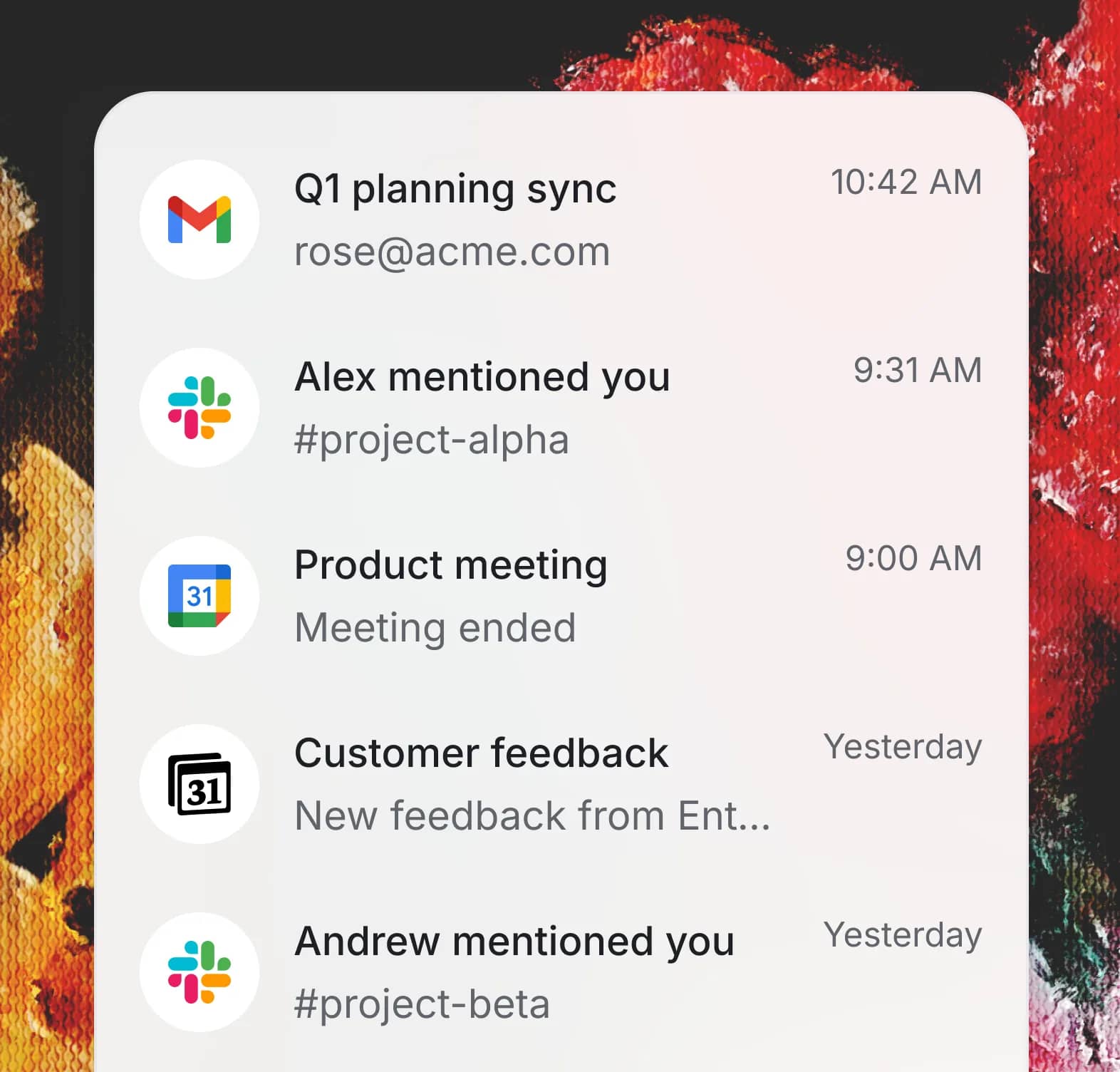
Work shouldn't depend on memory
Meetings end. Messages and emails pile up. What matters next gets lost.
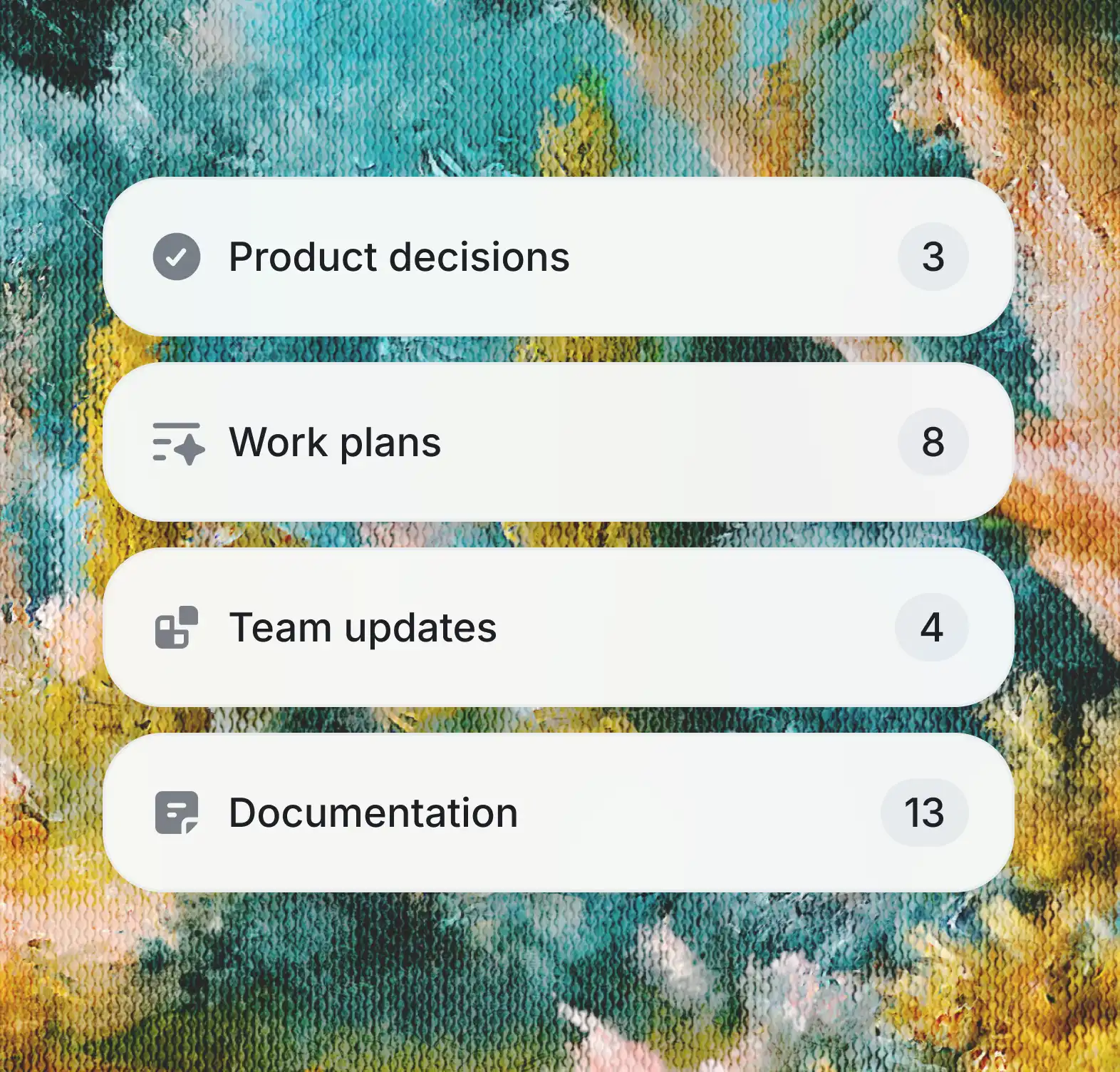
Everything already contains the work
Decisions and follow-ups are already there — just scattered across tools.
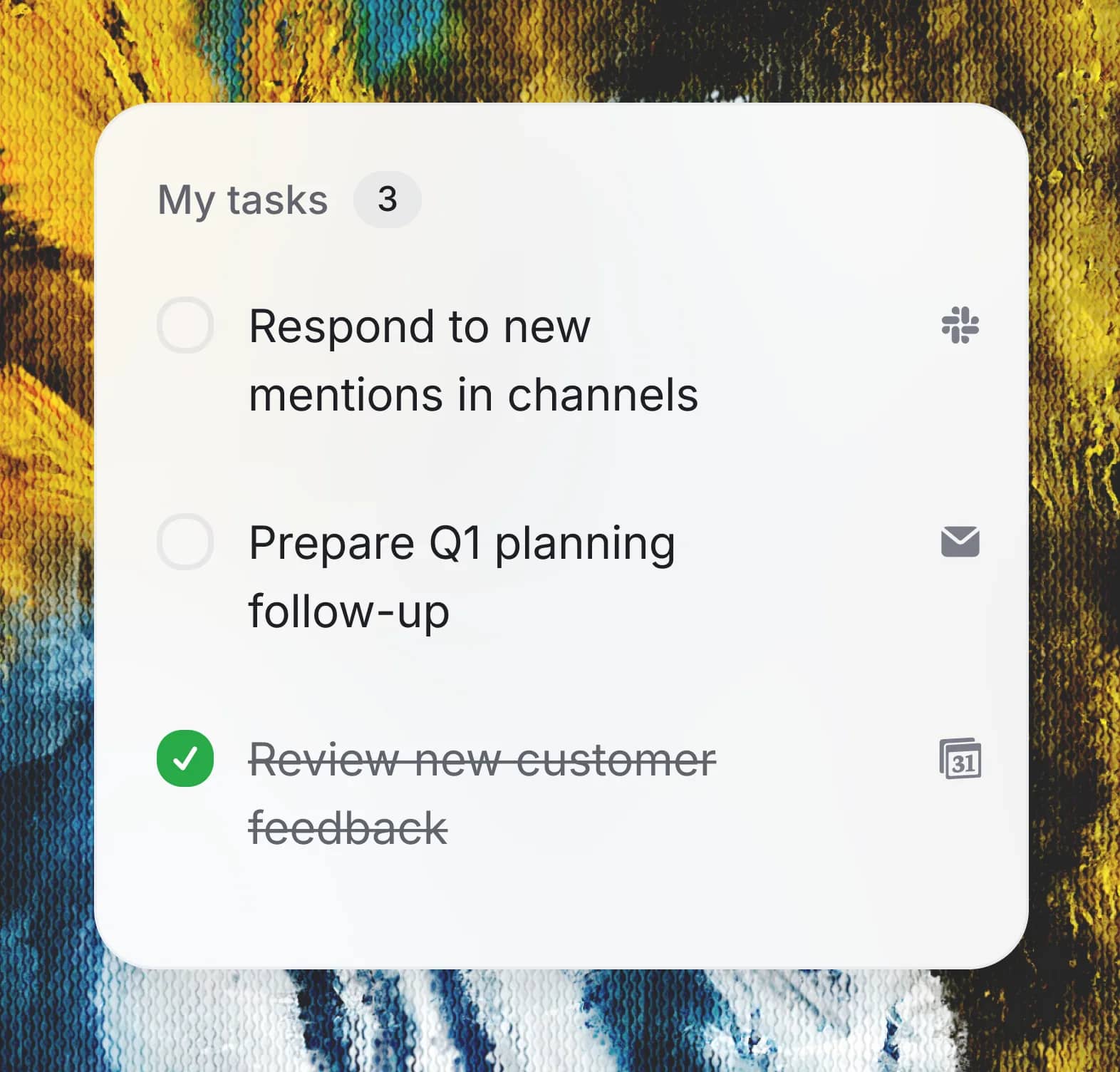
It turns it into something you can act on
^ctrl extracts what matters and turns it into clear, structured tasks with context.
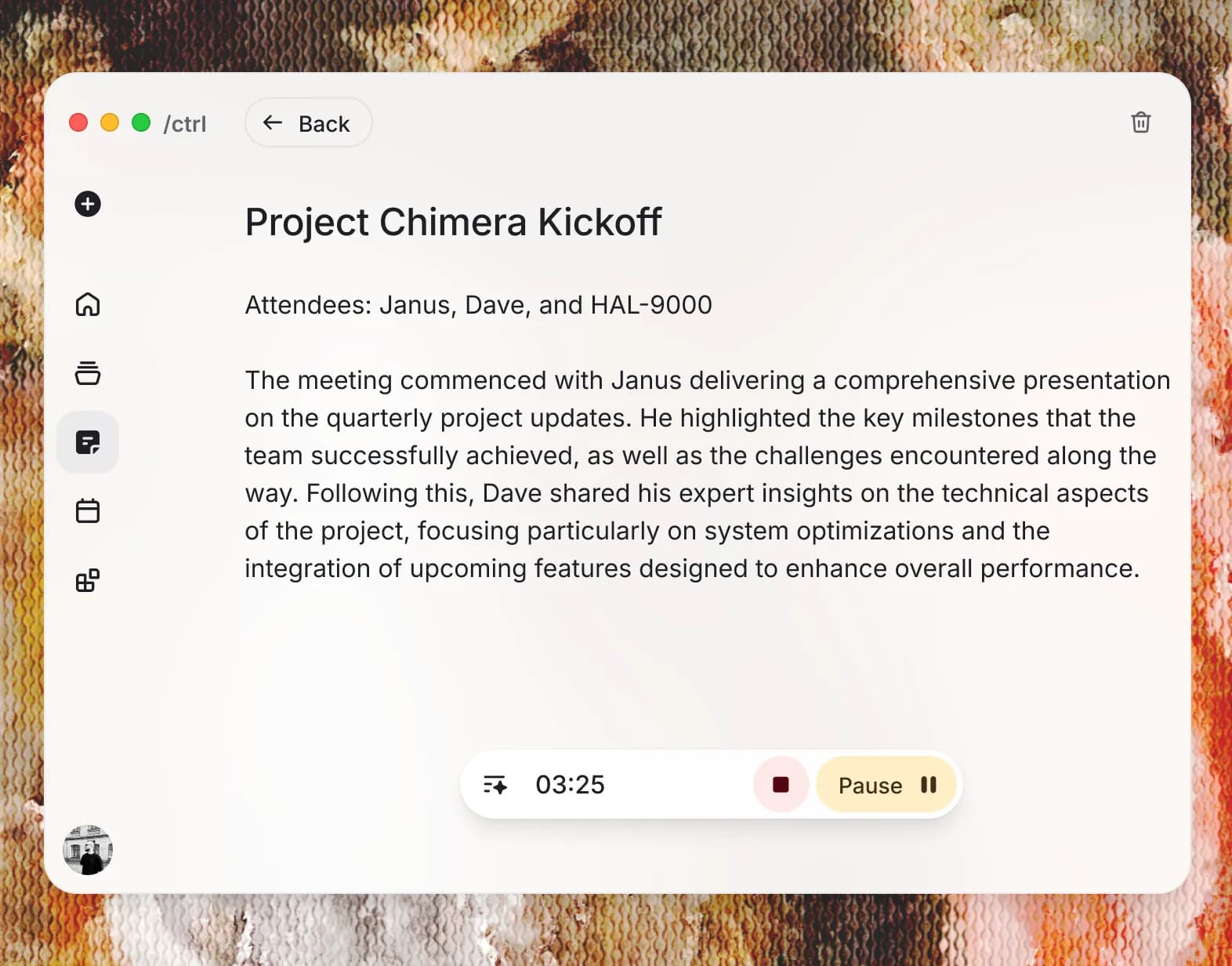
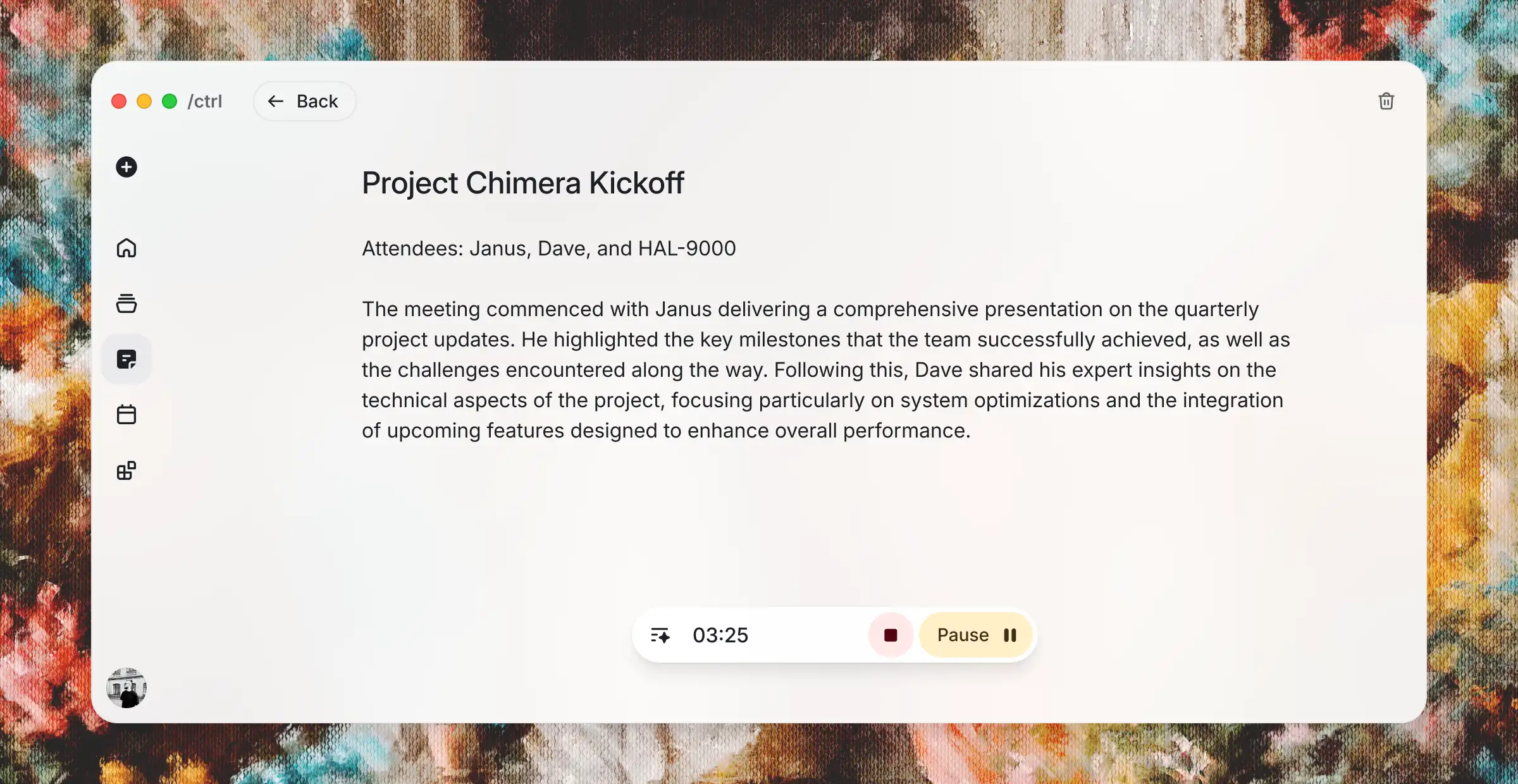
Every meeting ends with clarity and action
Every meeting leaves behind clear decisions, tasks, and next steps. Automatically.
Multitasking reduces your efficiency and performance… your brain can only focus on one thing at a time.
Cognitive research summary
Integrate with the tools you already use
Notion calendar
Calendar provider
Outlook calendar
Calendar provider
Slack
Messaging provider
Gmail
Email provider
iCloud
Email provider
Proton Mail
Email provider
Google calendar
Calendar provider
Microsoft Teams
Messaging provider
Yahoo!
Email provider
Outlook
Email provider
Office 365
Email provider
Manual connection
Email provider
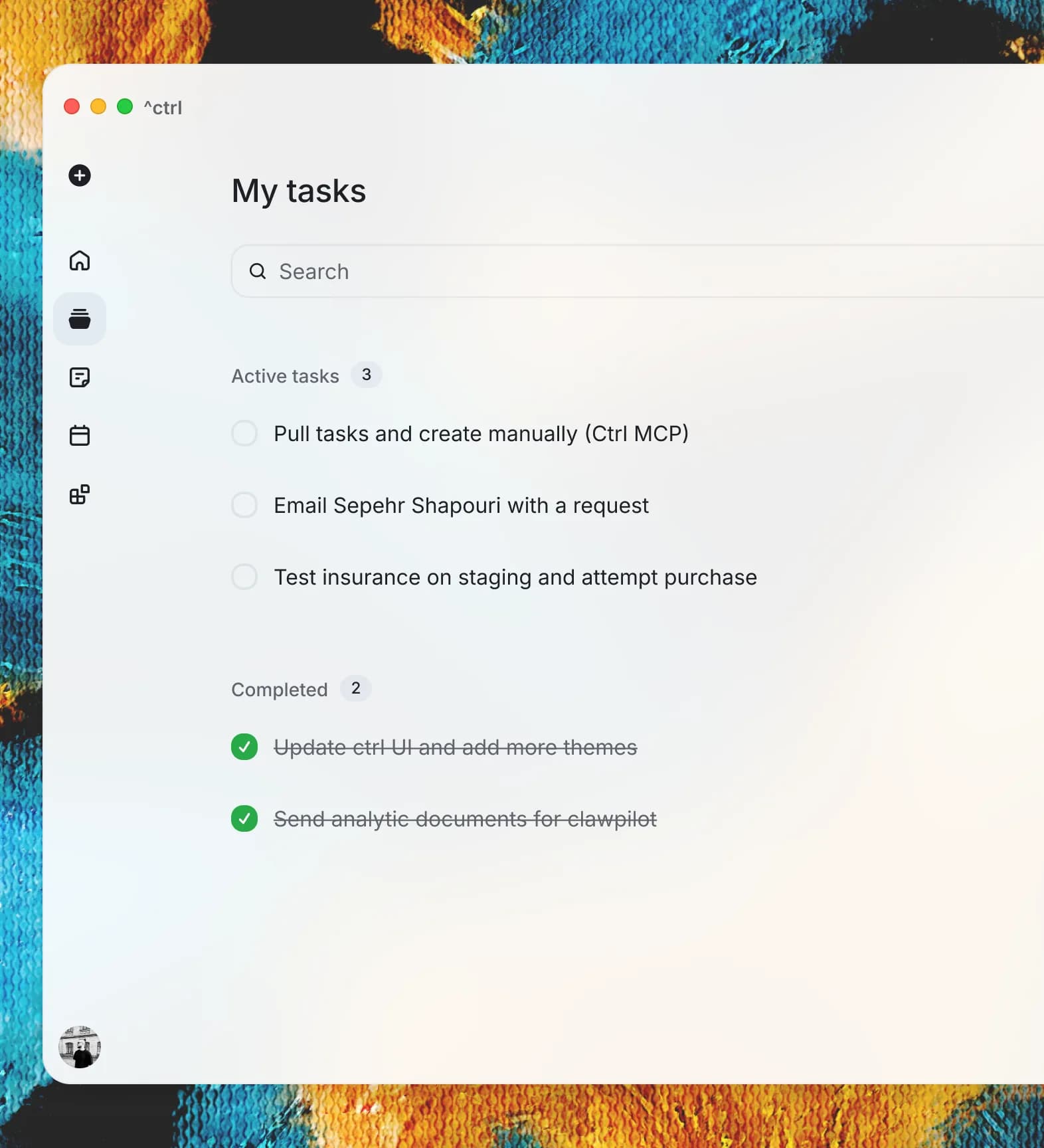
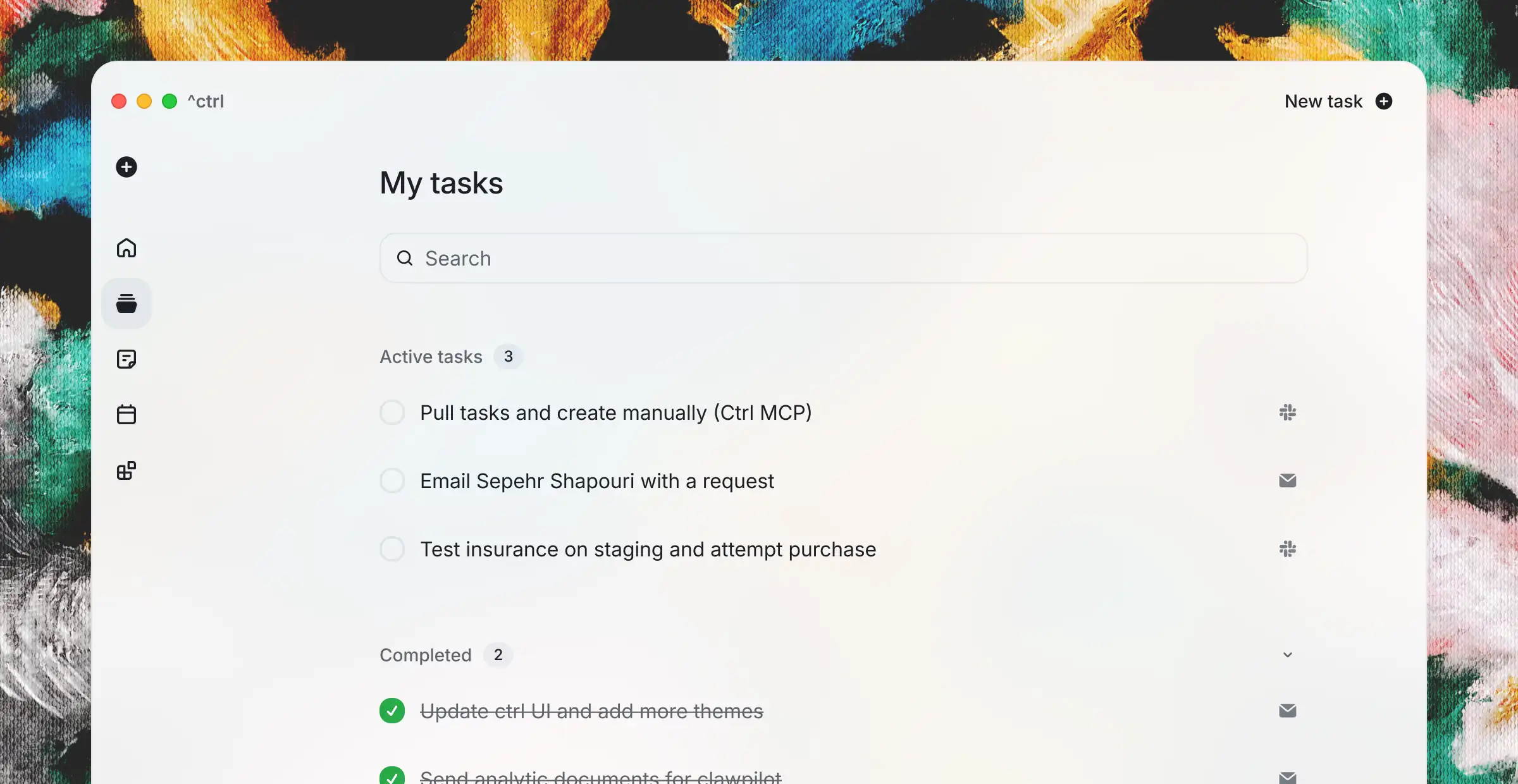
If it requires action, it already exists as a task
You don’t write tasks. They appear. ^ctrl extracts what actually needs to be done without the noise.
People who frequently engage with multiple types of media performed worse on simple memory tasks.
Anthony Wagner, Stanford
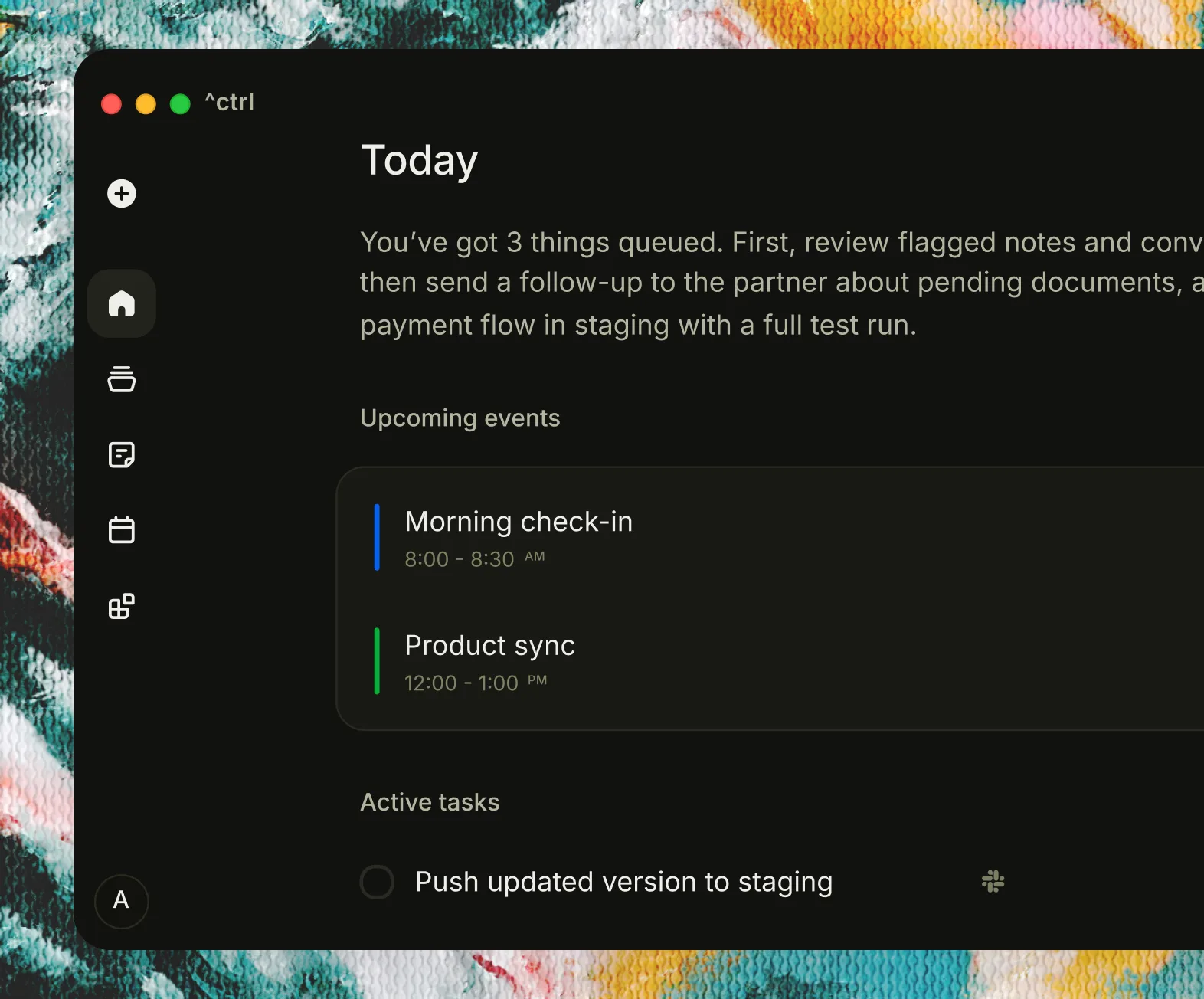
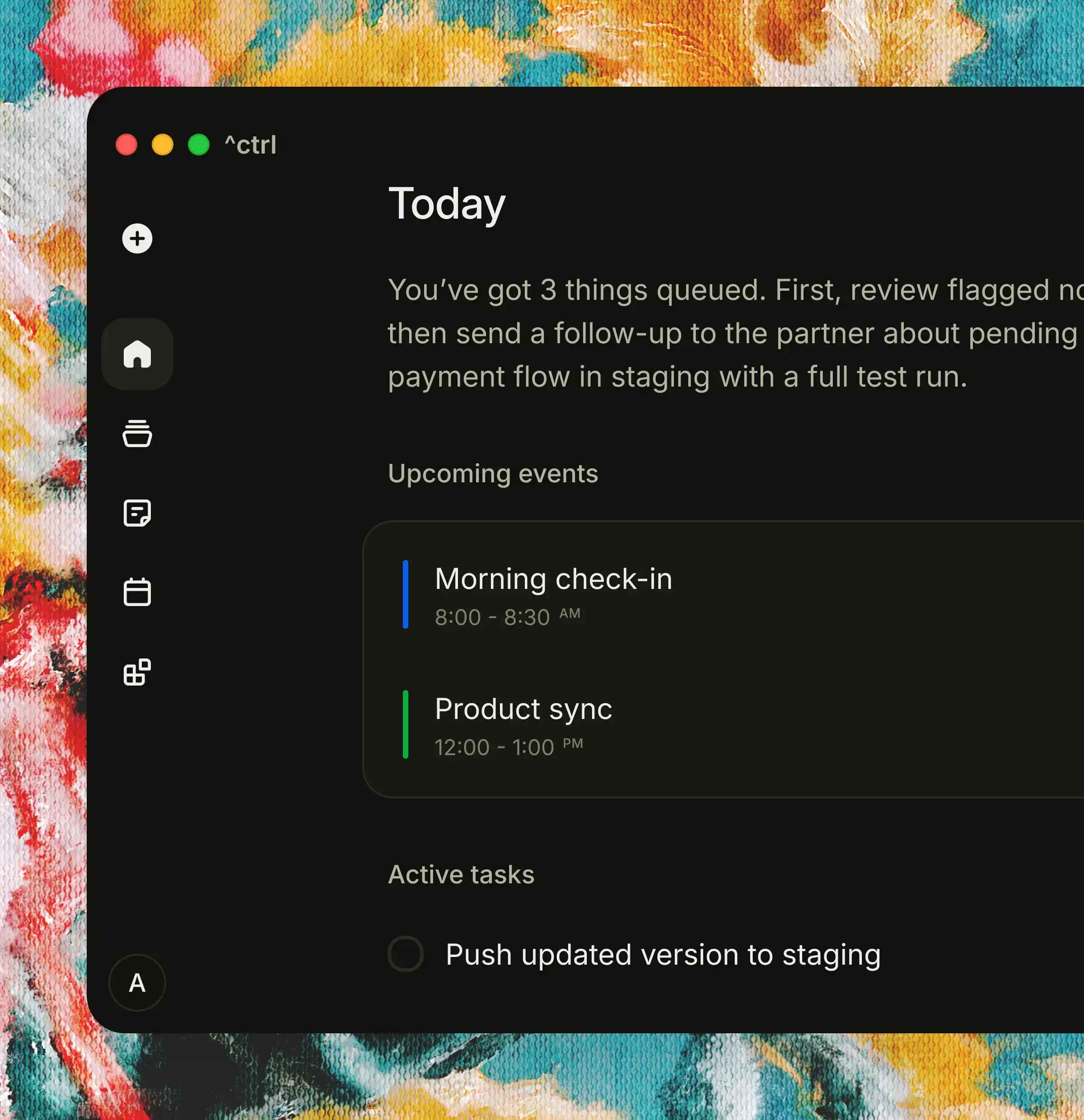
Make it yours without changing how it works
Try it yourself
Choose a theme that fits your style. ^ctrl stays fast, clear, and consistent.


Crafted step by step into something you can trust
Built in phases. Each one making work more automatic, more structured, and easier to act on.
Phase 2
Phase 3
Phase 4
Works with everything
Live nowCalendar integration
Notes from calendar events
Additional messaging platforms
More email providers
Share and work together
Share notes with a link
Tasks visible and reusable
Comment and edit together
Control access and permissions
Make it feel effortless
Smart task priority
Quick capture from anywhere
Better meeting detection
Public API for full control
Phase 2
Works with everything
Live nowCalendar integration
Notes from calendar events
Additional messaging platforms
More email providers
Phase 3
Share and work together
Share notes with a link
Tasks visible and reusable
Comment and edit together
Control access and permissions
Phase 4
Make it feel effortless
Smart task priority
Quick capture from anywhere
Better meeting detection
Public API for full control


Everything you need. Nothing you don't.
One system. No chaos. Simple pricing. No setup. Start in seconds. Try it out and scale as you go.
Free
Everything you need to turn your conversations into actionable work.
$
0
USD/
month
Basic task extraction
Limited meeting summaries
Core integrations
Personal use
Premium plan
RecommendedEverything you need to turn your conversations into actionable work.
$
19.99
USD/
month
7-day free trial
Automatic task extraction
Meeting summaries
Works with your tools
Full context for every task
Bring your own OpenAI key
Team plan
Bring clarity to your entire team — without changing how anyone works.
Custom
Contact us7-day free trial
Automatic task extraction
Meeting summaries
Works with your tools
Full context for every task
Bring your own OpenAI key
Simple answers to common questions
If you still have questions or
want to talk, just drop us a line.
How does Ctrl take notes for my meetings?
Ctrl is a Mac desktop app. When you click Record, we listen in and turn the conversation into clear, share-ready notes—no matter which video-call tool you’re using.
Are these just notes or transcripts?
No. ^ctrl focuses on what needs to be done — decisions, tasks, and next steps.
Can I edit what gets created?
Yes. You can edit tasks, notes, and ignore anything that isn’t relevant.
Will Ctrl work with my current tools?
Yes, Ctrl works with all video-call tools. Yes. ^ctrl integrates with email, messaging, and calendar tools like Gmail, Slack, and Google Calendar. All video tools are supported as well.
Is my data private?
Yes, we tokenize your data before it's passed to any LLMs to make sure that any identifiable information is protected.
Can I share notes or tasks with others?
Sharing and collaboration are coming next, with full control over access and editing.
How much does it cost?
You can start with a 7-day free trial. After that, it's $19.99/month, of course if you have a bigger team, we can get you a sweet deal. Free tier coming soon with limited features.
Thoughts on building a system for work
How work actually happens, why it gets lost, and how to make it effortless.
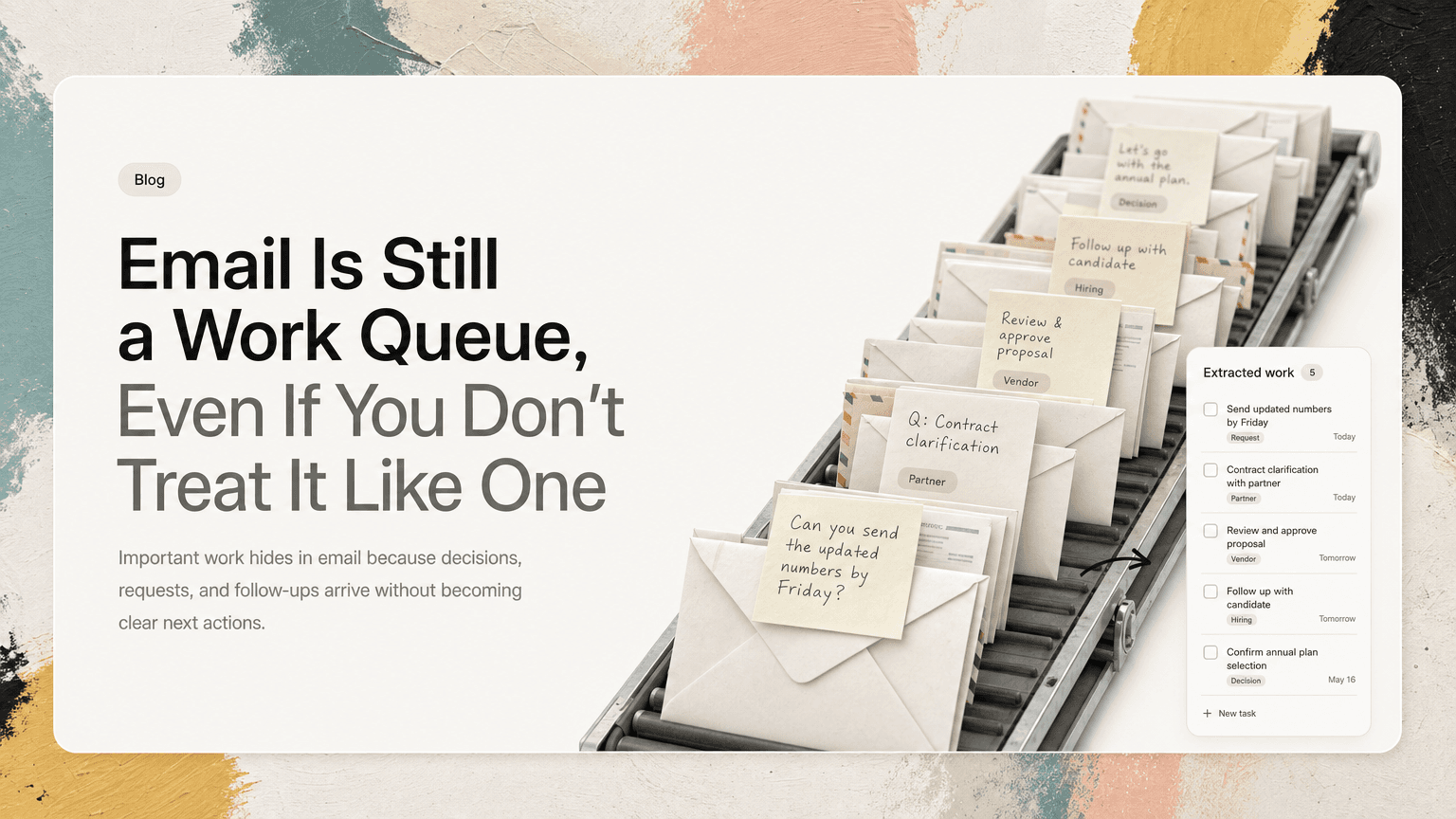
Email Is Still a Work Queue, Even If You Don’t Treat It Like One
Important work hides in email because decisions, requests, and follow-ups arrive without becoming clear next actions.
June 10, 2026
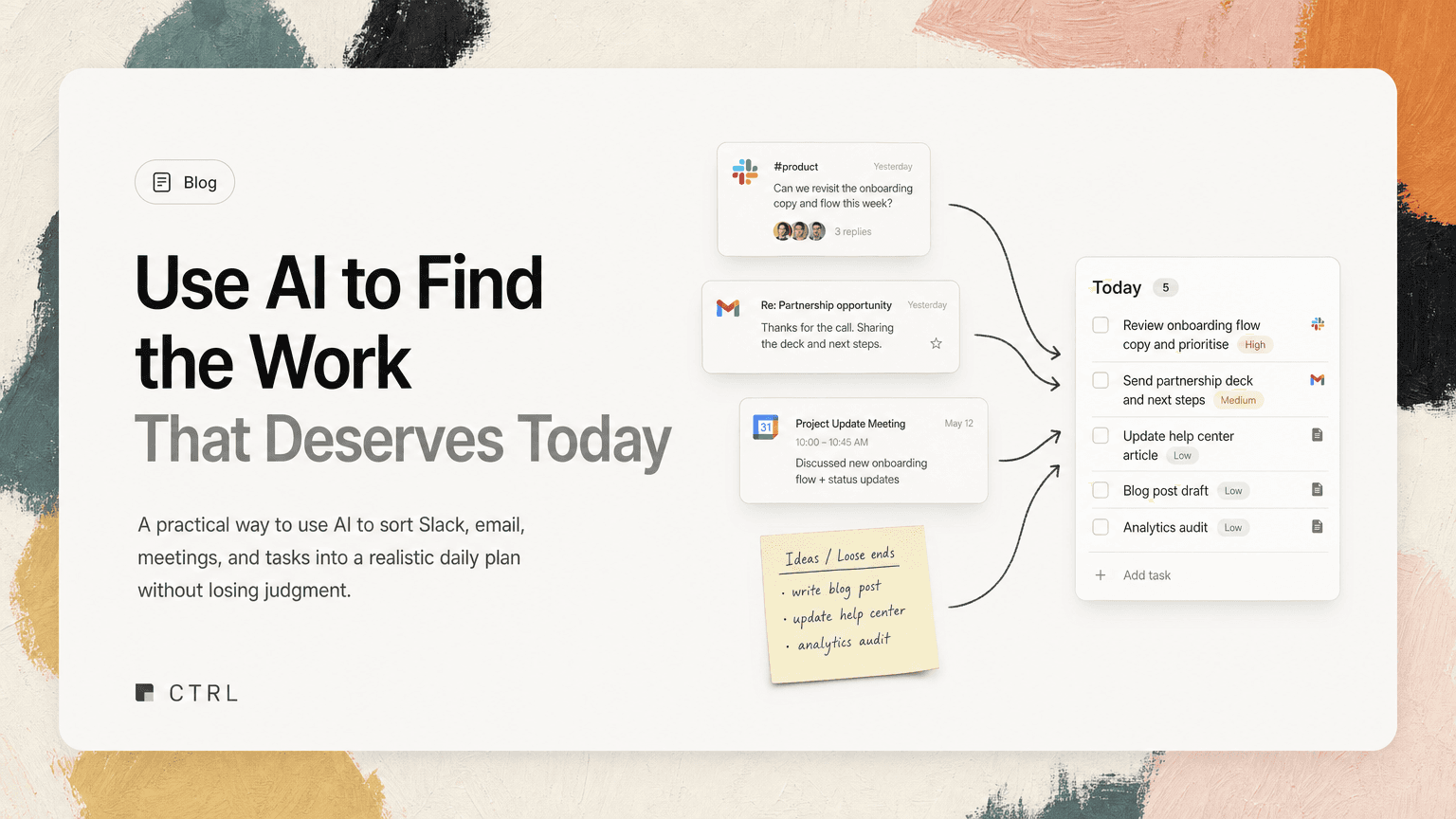
Use AI to Find the Work That Deserves Today
A practical way to use AI to sort Slack, email, meetings, and tasks into a realistic daily plan without losing judgment.
June 9, 2026
Short, focused ideas on work, systems, and making things feel effortless.
Read the blog

Make today life changing
Move from conversation to actions in seconds
Download the ^ctrl desktop app